Slicer software
-
I don’t really enjoy the slicing software wiibuilder I link to design ect
-
@apple_user_1742513984 sorry spelling mistake I ment like
-
@apple_user_1742513984 Here're some guidance on creating your own 3D models for printing:
- Using AI Function of the App:
Once you have bound your machine with the app, you can directly use the AI function to create your own models.
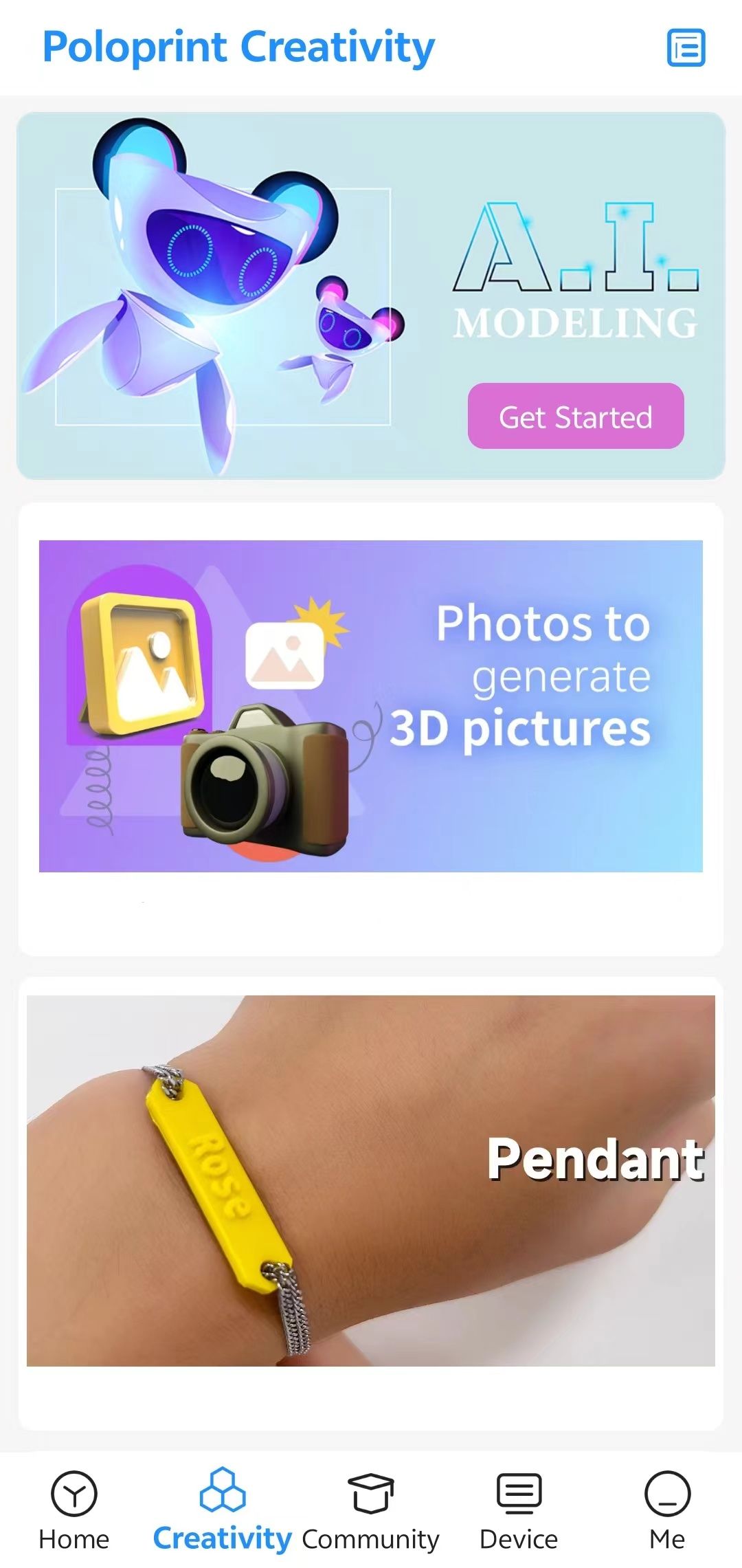
2. Downloading Files from Websites:- You can download your favorite files from websites like:
- After downloading, you can either upload them to the app for printing or use computer software like Wiibuilder to slice and prepare them for printing. Here is a tutorial for Wiibuilder: Wiibuilder Tutorial
- Learning to Use Professional Modeling Software:
Depending on your preference and the complexity of the models you want to create, you can use professional modeling software to export STL files for printing. Here are some options:- Desktop Software:
- Blender
- SketchUp
- 3DMax
- Web-based Software:
- Tinkercad
- Mobile Apps:
- SketchUp (Mobile)
- Tinkercad (Mobile)
- Desktop Software:
- Using AI Function of the App:
-
Thanks for the help
-
@apple_user_1742513984 it said it’s currently unavailable
-
@apple_user_1742513984 Which one? The AI?
-
Never mind it worked
-
@apple_user_1742513984 how do you get the slicer to work?That's my biggest problem
-
@Thomas-Stallard
Please use the following resources to download and install the software for your device:Download link:
Download Guidelines for TINA2 SeriesInstallation guide (video):
The process is straightforward—download the installer from the link above, then follow the video tutorial to complete setup. Should you encounter any complications, let me know and I’ll guide you through.

