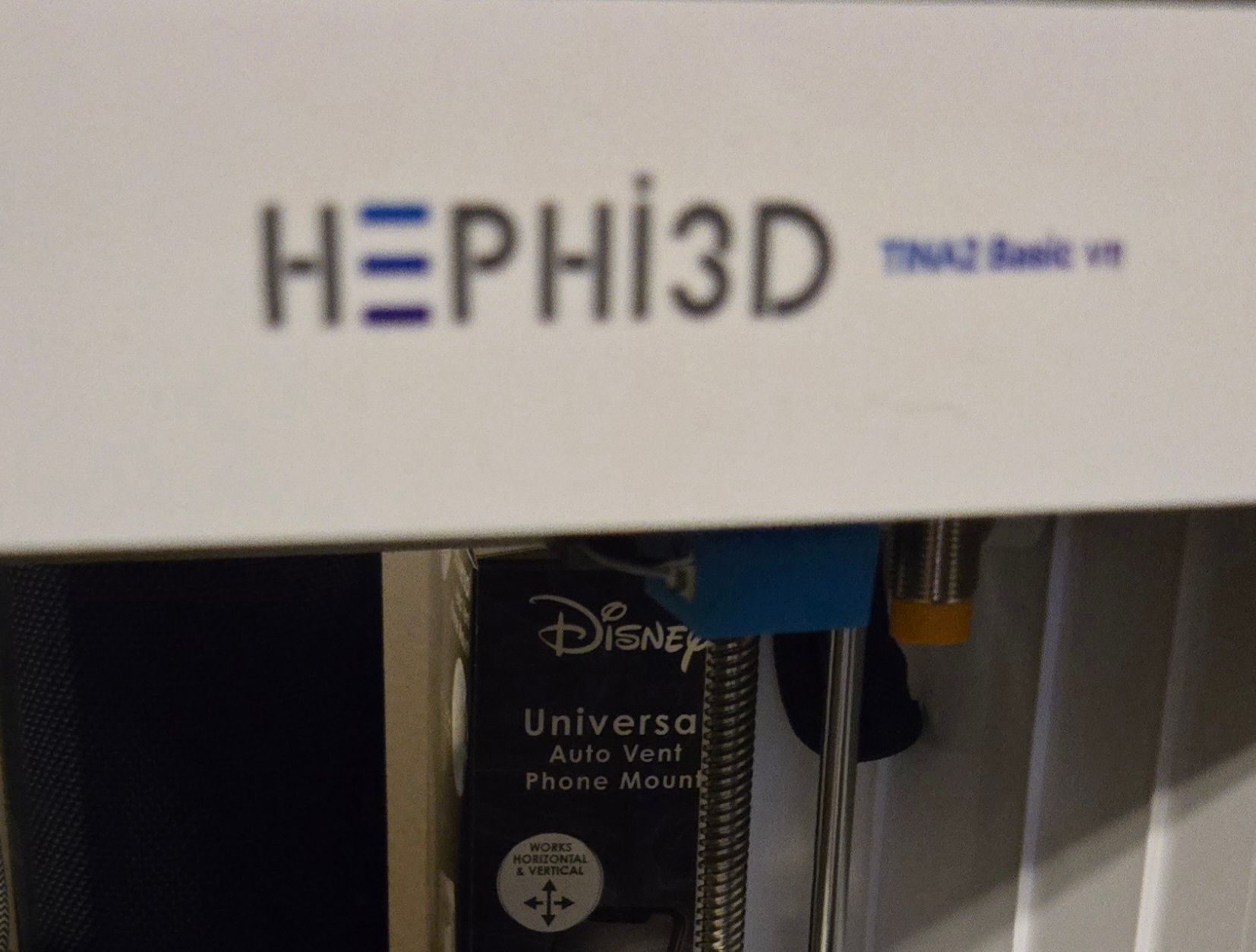
Tina2 basic v11
-
My son got the Tina 2 basic v11 but when we try to print stuff he likes every other Tina pops up. Is this Tina not compatible with anything ?20251227_203256.jpg
-
@Abby-Pomales Sorry, TINA 2 basic does not have network function. You can print files on the TF card. Or use a computer to slice the model, and then save it to the TF card for printing.
-
Hello, have bought the basic model for my grandson, having trouble finding a site where I can download to the chip on the laptop. Any advice, please
thanks -
@kirsty We would like to provide you with some valuable insights on getting started with 3D printing using readily available online models. Below is a comprehensive step-by-step guide to assist you:
1. Download 3D Models
A vast selection of 3D models can be accessed from the following reputable platforms:
2. Extract the Model Files
Once you've selected a model, download the file to your computer. These files are often compressed in ZIP format. To access the 3D model, extract the ZIP file to reveal the STL file, which serves as the industry-standard format for 3D printing.
3. Prepare the Model for Printing
Before printing, the STL file must be sliced into layers that your 3D printer can process.
-
Wiibuilder Software: Download Wiibuilder, the recommended slicing software, from the following links:
- Windows: Download for Windows
- Mac: Download for Mac
- Wiibuilder User Guide: Learn how to use Wiibuilder
-
For Mobile Devices & Chromebooks: If you are using a mobile device or a Chromebook, you may utilize Kiri as an alternative slicing tool:
-
Usage Tutorial: For detailed guidance, refer to the following instructional video:
-