@Jake Hi, make sure your software is the latest version and choose the correct printer.
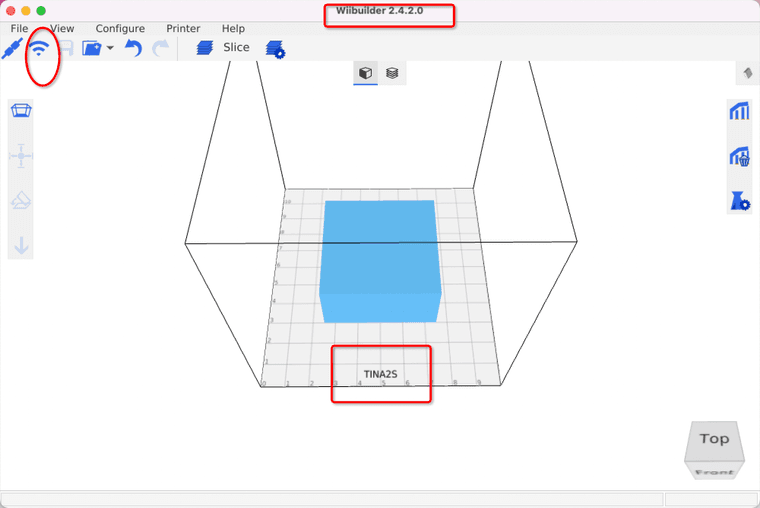


@Jake Hi, make sure your software is the latest version and choose the correct printer.
Hi,you can use AI to implement this design.
1.Tap the "Creativity" tab in PoloPrintCloud,then click "Get Started" to start ai modeling 2.0
2. Click"Create model from prompt"
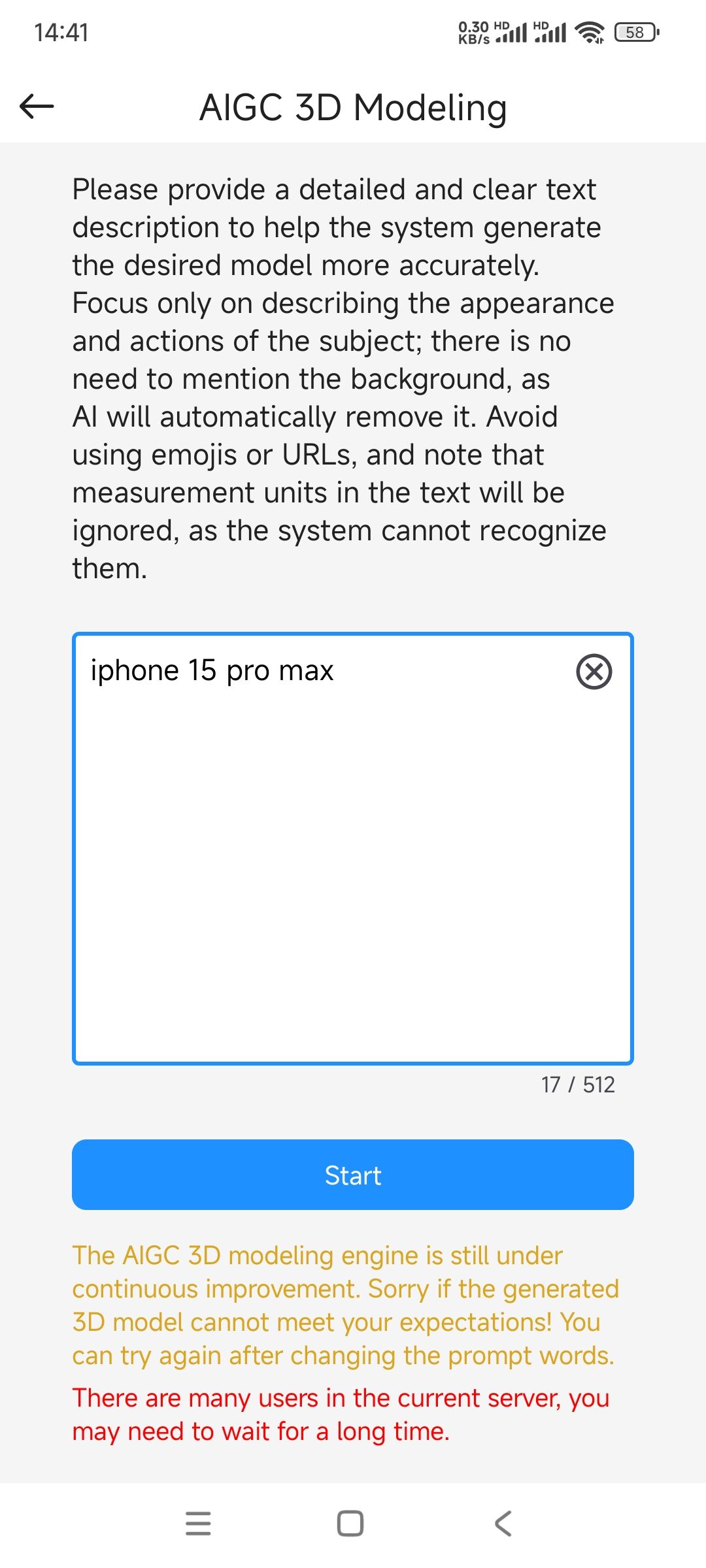
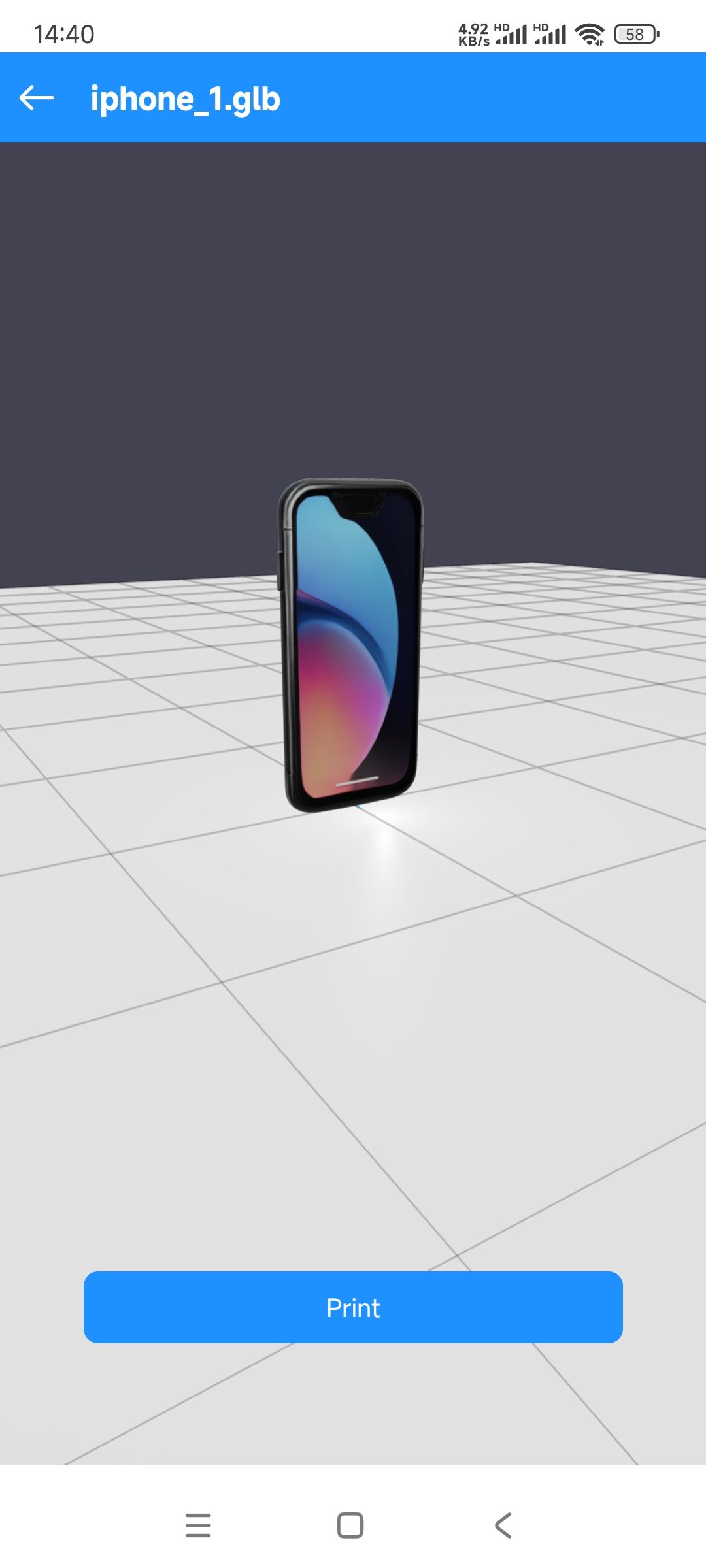
3.Input "iPhone 15 pro max" to the prompt text area,then click "Start"
@Anton Try a different 3d model and make sure your machine has an micro-SD card inserted
@Olybob Keep your browser up to the latest version, then clear the browser cache and try opening the website again.
@Natasha said in Jewelry Designing:
ning jewelry, and I did not think about it when I originally purc
Yes,just export the 3d design file with stl format from your 3d design software,then upload to PoloPrintCloud to print or load it to slicer software(Wiibuilder or Cura)
Hi,you need to tap "Add Model" button to attach at least one stl file before you tap "Next" button.
@Nano Yes,you can try online slicer with this link:
https://slice.wiibuilder.net/kiri/
1.Firstly,click "Setup" -->click "Machine" as below:
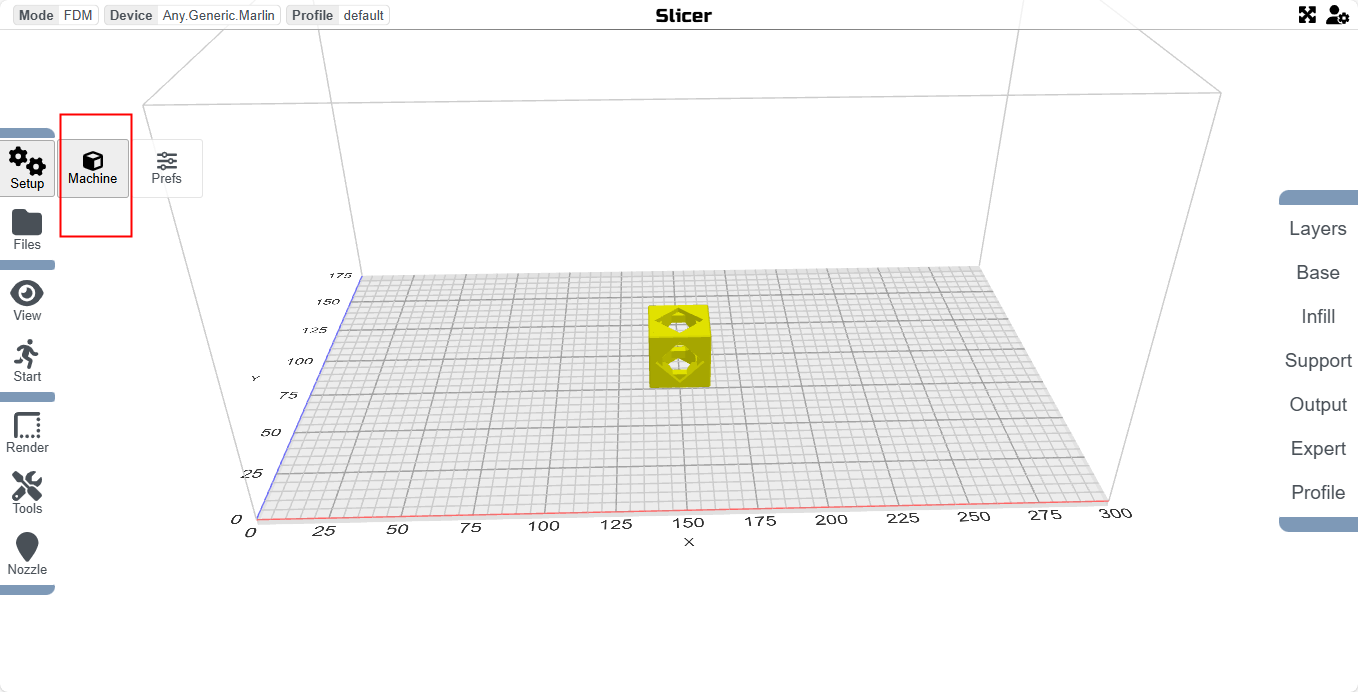
2.Then choose your printer type.If your printer is TINA2,choose "TINA2" :
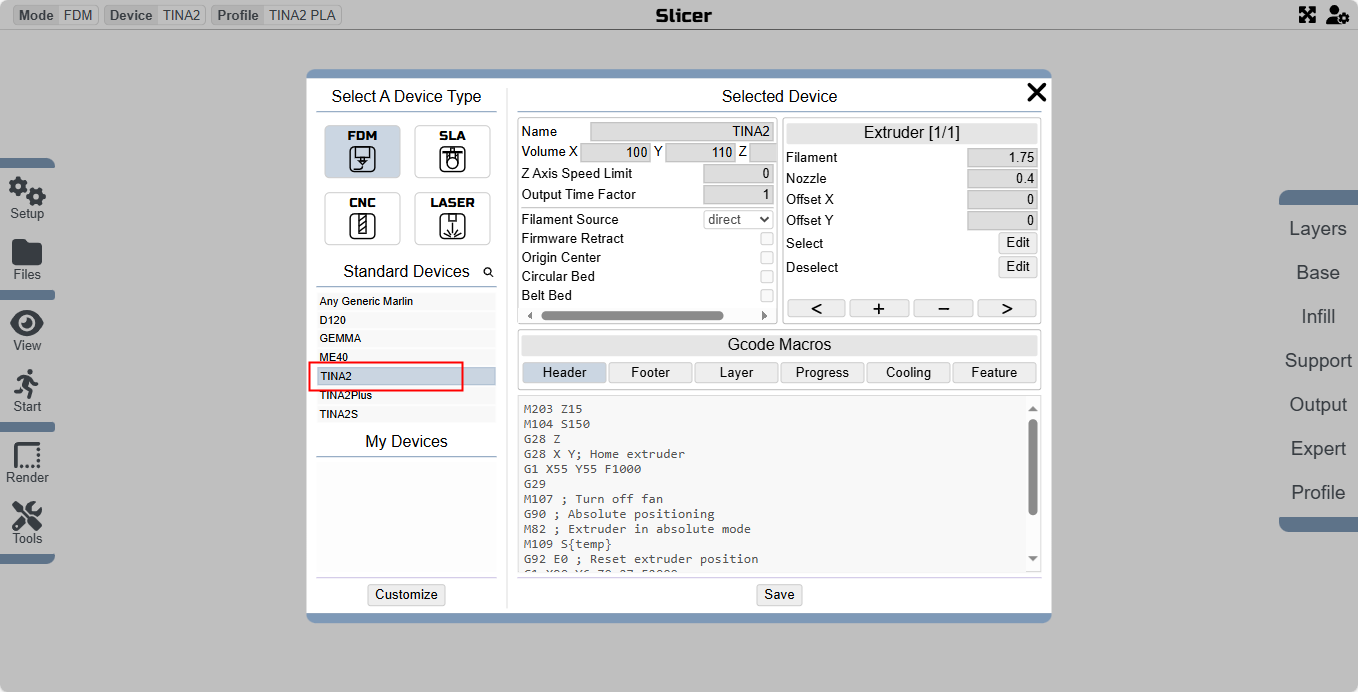
When you finish setup TINA2,you can load 3d model to slice by click"Start"-->click "Slice".
Finally export the gcode file by clicking "Export" and copy it to micro sd card,and insert the card to TINA2 to print 3d model.
Complex models require low-speed printing,fast maybe the issue.You can try to slow printing.
@K-T I tested Wiibuilder 2.5.0.2 ,and it can be opened normally both on my MacBook Air 2013 with Mac OS 10.15 and MacBook Air M1 2020 with Mac OS 14.4.1. You can try it out. If you still can't open the software, you can use the open source Cura 5.3 or above, which also has Tina 2 in it.
@K-T Hello,I need to know a few things before I can provide the software:
1.Which version of the damaged software is ? For example, Wiibuilder 2.2.1.0, Cura 4.10.0.
2.What system does your computer have? Windows or macOS, and then which version of the system? For example, MacOS 10.15, Windows 7, etc.
3.Which brand is your Tina2? For example, ENTINA TINA2, WEEFUN TINA2.
Is the dimension of the 3d model you uploaded in millimeters? If it is in metric units, the size of the file after reading will be too small and cause failure.
When you export the stl file, please make sure the unit is millimeters and the maximum size is greater than 1mm.