Does anyone know have i can do faces
-
Looking to do keyring faces like happy sad angry but I can't find them if I try up lead a photo it wont work
-
@Emma-France Here're some guidance on creating your own 3D models for printing:
- Using AI Function of the App:
Once you have bound your machine with the app, you can directly use the AI function to create your own models.
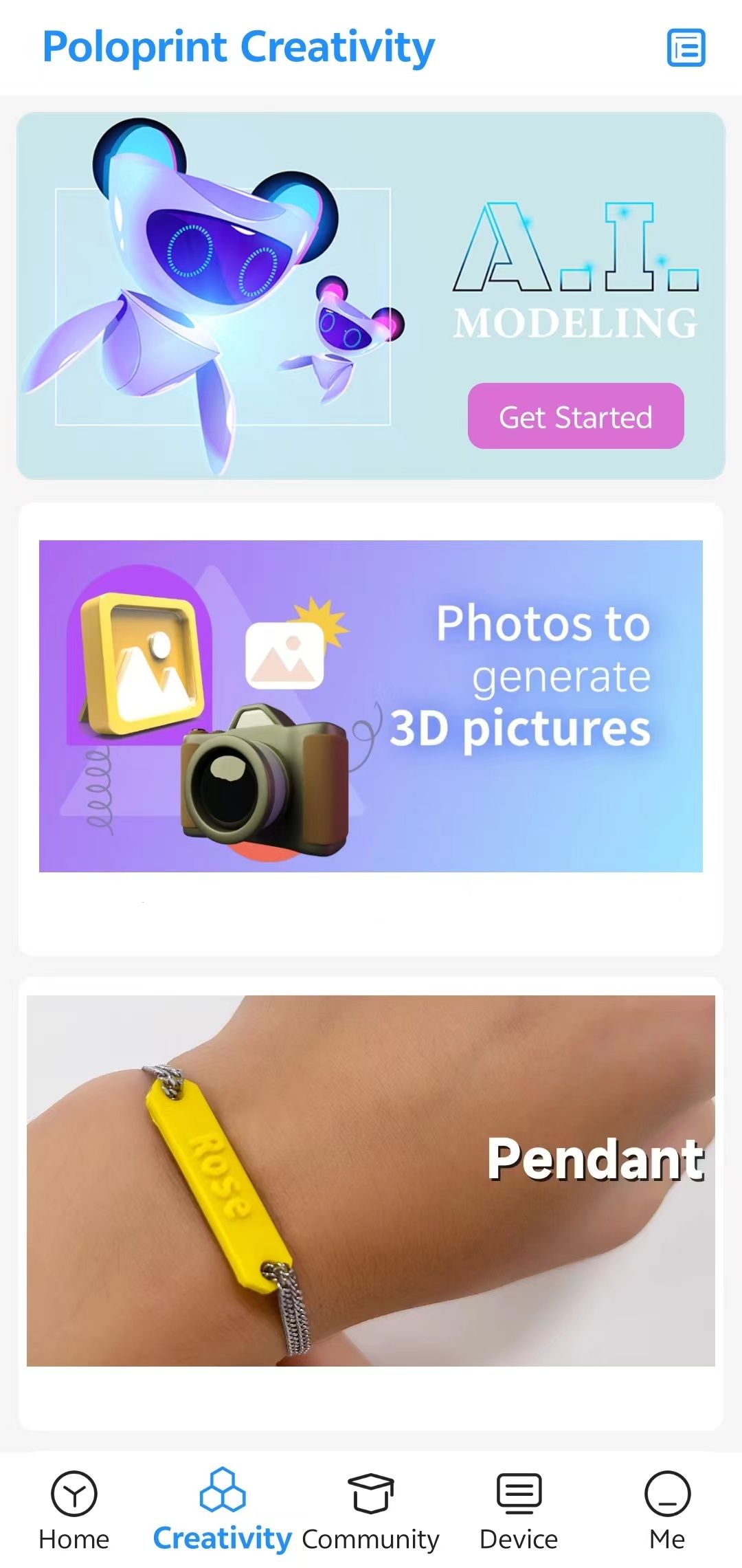
2. Downloading Files from Websites:- You can download your favorite files from websites like:
- After downloading, you can either upload them to the app for printing or use computer software like Wiibuilder to slice and prepare them for printing. Here is a tutorial for Wiibuilder: Wiibuilder Tutorial
- Learning to Use Professional Modeling Software:
Depending on your preference and the complexity of the models you want to create, you can use professional modeling software to export STL files for printing. Here are some options:- Desktop Software:
- Blender
- SketchUp
- 3DMax
- Web-based Software:
- Tinkercad
- Mobile Apps:
- SketchUp (Mobile)
- Tinkercad (Mobile)
- Desktop Software:
- Using AI Function of the App:
-
@陆 thank you I did try the 3d option on the app and it just come out like a peach do you know if I add them to the sd card it will work
-
The link I previously shared includes a tutorial for the desktop software. You can follow the instructions to slice the file, then copy the generated file to your TF card and proceed with printing.

