Lychee profile for Tina2 Plus
-
Hi. I use Lychee Slicer (Plus) and am hoping someone has a profile suitable for the Tina2 Plus printer.
As a secondary ask, what's the best Slicer for the Tina2 Plus that works with Linux. I'm using Linux Mint. I noticed Wiibuilder only supports Windows and MacOS.
-
@Alan-Kelly Try Cura: https://www.entina3d.com/pages/download-1
-
@陆 Thanks, I'll try it. I've read that Prusia and Orca are better slicers but I'll try Cura if it's got better support for a Tina2 Plus profile.
-
@Alan-Kelly Here're the profile for Prusa and guide in case you need:
 Download here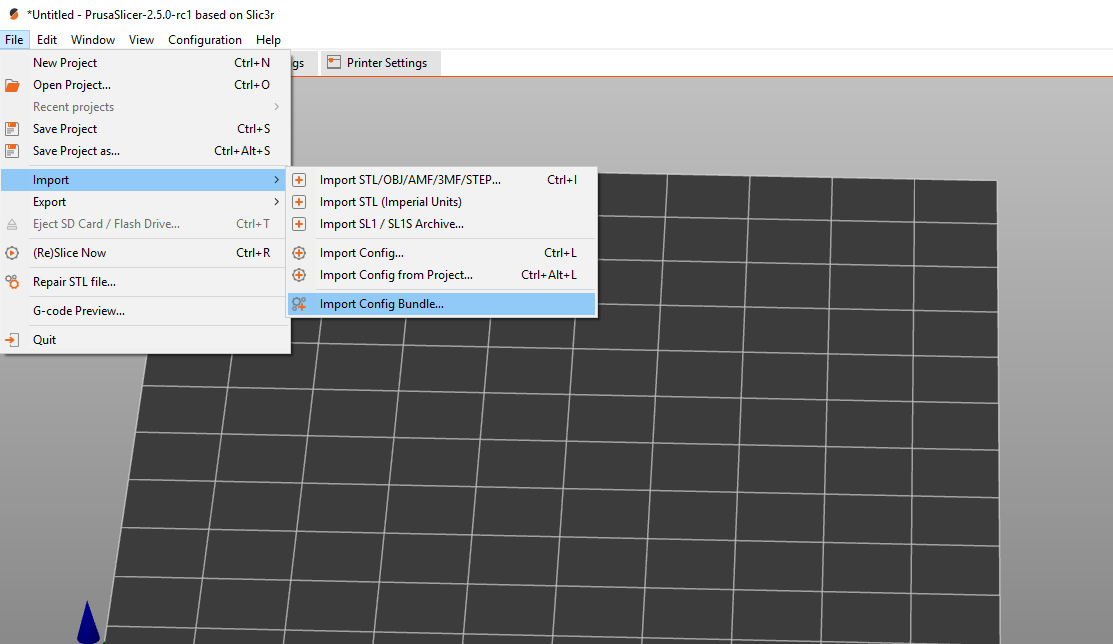
-
@陆 Thanks for that. I used the Tina2S profile that comes with Prusa, modified to suit the Tina2 Plus and my preferences, then saved as Tina2 Plus profiles

-
@Alan-Kelly Right, WiiBuilder is only for Windows, I run Arch and tried getting it to run in WINE, after an embarrassing amount of time spent on trial and
error**failure ** I gave up and went with Cura.There is a sticker on the Tina2Plus that suggests printer owners use their "custom version of Cura". But I have followed the link provided and loomed everywhere for this and everytime it just leads me to the distribution version or Flatpak version of Cura. Unless they are referring to the Tina2Plus profile on Cura, the Custom Version they suggest doesn't exist.
Use the .DEB or Flatpak version of Ultimaker Cura unless you find this elusive custom Entina version of Cura.
-
@M-6 Check the website: https://www.entina3d.com/pages/download-1

