add device
-
I've just purchased this from Amazon. The box looked brand new, but a few of the stickers on the unit appeared to have been peeled off and then reattached.
When I try to add the device in the app, it simply shows an "Error" message and won't let me proceed. I also noticed that the serial number displayed in the app is different from the one printed on the bottom of the unit.
I've read that if the device has previously been paired to another account, it won't allow a new user to set it up unless it's first unpaired. Does anyone know of a workaround, or has anyone experienced something similar?
-
In this situation, it is usually because the printer has already been connected to a Wi-Fi network previously. If that is the case, you may not need to go through the Wi-Fi setup process again.
We recommend sending the WiFi Info page or a screenshot of the network information to our support email so that our technicians can perform further diagnostics and help identify the cause of the issue.
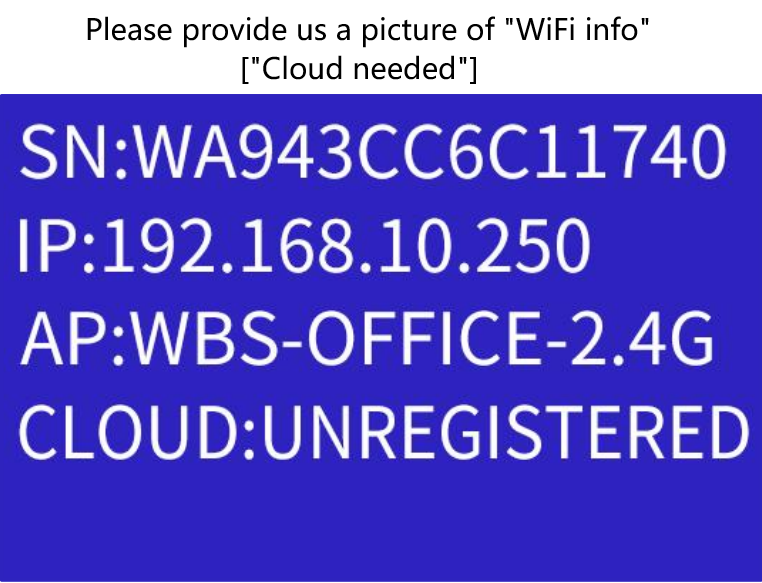
Regarding the account binding, you can simply scan the QR code and select "Request Unbinding". Once the request is submitted, we can review it and assist you with the unbinding process if necessary.
